Scan Bank Statement to Excel, From Paper or Phone Photo
Scanned PDFs, faxed copies and phone photos of paper statements become an editable Excel table, and every scanned statement is checked against its own opening and closing balance so a misread digit cannot slip through.
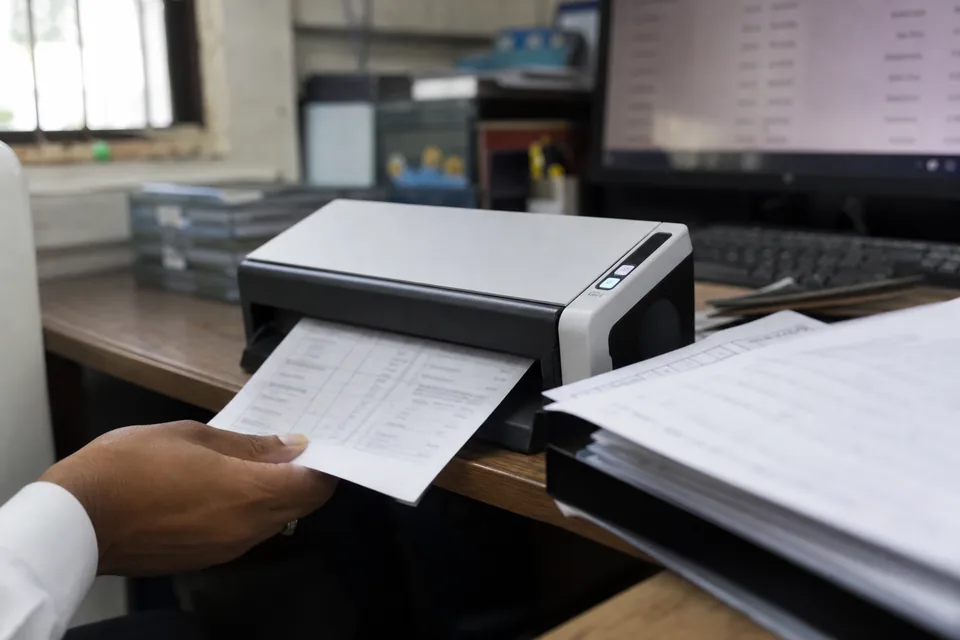
Bank statement OCR built for accountants
Clients still hand over shoeboxes. Older months are often available only on paper, a branch printout gets photographed on a kitchen table, and a prior year file arrives as a 60 page scan from a copier.
StatementsConverter reads those images the way it reads a digital PDF: it finds the transaction table, separates dates, descriptions, check numbers, debits, credits and balances, and gives you rows you can edit and export.
Images it handles
- Scanned PDFs from office copiers and desktop scanners, single or multi page
- JPG and PNG photos taken with a phone, one page per image or several images in a batch
- Faxed statements with heavy compression and grey backgrounds
- Pages that are skewed, rotated sideways or upside down in the file
- Low resolution scans where small print is soft but still legible to a person
Each page is straightened and oriented before reading, so a statement scanned at an angle or fed into the copier the wrong way round does not need to be redone.
Why the balance check matters more on scans
Every OCR engine, human typist included, occasionally reads a 3 as an 8 or drops a decimal point. On a text PDF that is rare. On a faded photo it is the main risk, and a single wrong digit is exactly the kind of error that surfaces weeks later as an unexplained reconciliation difference.
The balance check catches it at conversion time. The opening balance plus credits minus debits must equal the closing balance, and where the statement prints a running balance, each row is tested against the balance after it.
When a figure was misread, the running balance stops agreeing at that row. The table highlights the row and the page it came from, you compare it with the image shown alongside, correct the digit and the check passes.
That turns proofreading a whole statement into looking at one flagged line.
From scan to spreadsheet
- Drop the scanned PDF or the photos into the upload area, one statement or a batch of up to 200 files on Business.
- Pages are cleaned, rotated and read, and the transaction rows are extracted with the account header.
- The balance check runs per page and per statement.
- You review any flagged rows next to the page image and fix them in the table editor.
- Export to XLSX or CSV on every plan, or to QBO, QIF, OFX and Xero CSV on Professional and above.
The steps are the same for digital files, explained in more depth in how to convert bank statement to Excel.
Scanning tips that improve accuracy
Most problems with photographed statements come from the capture, not the reading. A few habits make a large difference.
- Shoot in daylight or under even light, and avoid the flash, which leaves a bright spot over the middle columns
- Hold the phone directly above the page so the table is not trapezoid shaped
- Fill the frame with the page but keep all four corners visible
- Scan at 300 dpi in greyscale when using a copier; colour adds file size without adding accuracy
- Flatten folded statements under a book for a minute before scanning
- Keep each statement in its own file, in page order, so the period is detected correctly
If a page is too damaged to read, the balance check will say so, and you can type the missing rows into the editor instead of retyping the whole statement.
What a scan cannot fix
Handwritten notes over the amounts, torn corners that cut through the balance column and pages that are missing from the file cannot be recovered by any converter. When a page is missing, the closing balance of one page will not match the opening balance of the next, and that gap is reported so you know to ask the client for it.
Scans are included on every plan
There is no separate charge for OCR. Scans and photos count as pages exactly like text PDFs, from Starter at 400 pages a month up to Business Plus at 12,000. Compare digital and scanned workflows on the bank statement to Excel software overview.
Is bank statement OCR as accurate as a text PDF?
On clean scans the results are very close. On poor photos more rows get flagged, but the balance check means a misread is pointed out rather than hidden.
Can I upload several phone photos of one statement?
Yes. Upload the images together and they are read in order as one statement, with the balance carried from one page to the next.
Do I need to rotate pages before uploading?
No. Sideways, upside down and slightly skewed pages are corrected automatically before the rows are read.
What resolution should a scan be?
300 dpi in greyscale is a good default. Lower resolutions often work, and the check will tell you if any row could not be read with confidence.
Are scanned statements stored?
Uploaded files are encrypted and deleted automatically after 24 hours by default. Business accounts can set a different retention period.
Send the paper statements through once
Try it with one statement, no card needed, and see the scanned rows checked against the balance before you create your account.