Bank Statement Data Security at StatementsConverter
A bank statement shows account numbers, balances, payees and the daily life of a business or a household. We treat every uploaded page that way: encrypted from the moment it leaves your browser, visible only to your account, and deleted on a short schedule unless you choose otherwise.
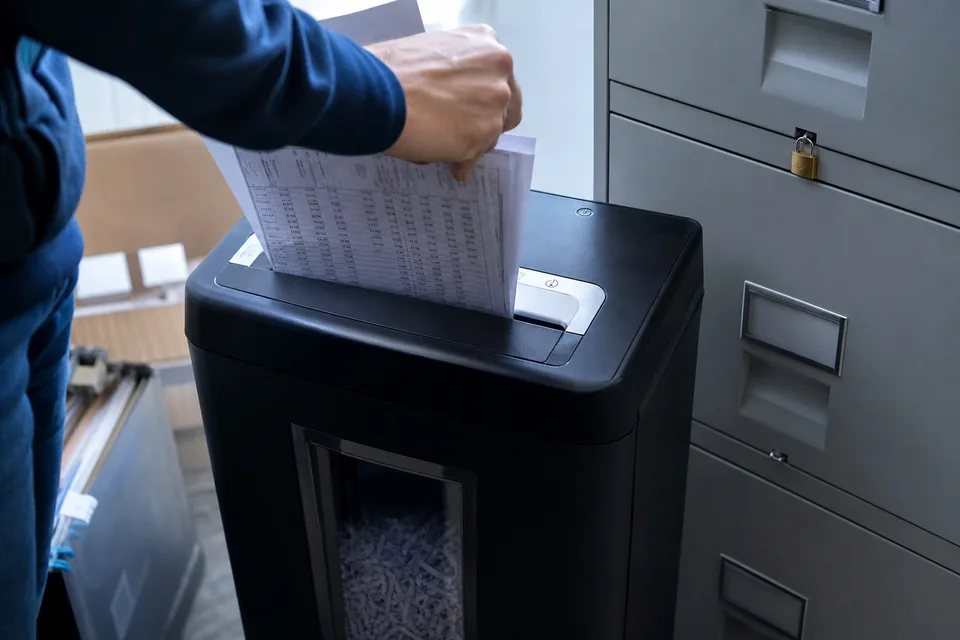
Encrypted in transit and at rest
Every upload, download and API call travels over TLS, so statements and exports are encrypted between your device and our servers.
Stored files, extracted rows and exports are encrypted at rest. Backups that contain account data are encrypted the same way.
Encryption keys are managed separately from the data they protect and are not accessible to application users.
Deleted after 24 hours by default
Uploaded statements and the files you export are deleted automatically 24 hours after conversion. You can also delete a file yourself at any moment from the file list.
On Business, an administrator sets the retention period for the firm, shorter or longer than the default, to match your own record-keeping policy.
Files from the sample conversion on the homepage are deleted right after the conversion finishes. They are not stored in any account.
Deleting a file removes the statement, the extracted rows and the exports. It does not return pages to your monthly allowance, because pages are counted as usage within the billing period.
Your files never train models
AI reads each statement to find the transaction table and extract rows. Customer files and extracted data are not used to train or improve any model, ours or anyone else's.
Statements are sent for processing only with the content needed to read them, and the processing provider is bound not to keep or reuse that content.
Access limited to your account
A file is visible only to the account that uploaded it and to the seats that account has invited.
Client workspaces separate one client's statements, rules and exports from another's, so staff see only the workspaces they are given.
Our own staff do not open customer files. Access to production systems is restricted to the people who run the service and is logged.
Roles, audit log and SSO on Business
- Roles decide who can upload, edit, export, manage seats and change retention.
- The audit log records sign-ins, uploads, edits, exports and deletions with the seat and time.
- SSO through SAML lets your firm sign in with its own identity provider and remove access centrally.
- Retention controls set how long statements and exports stay before automatic deletion.
- A 99.9 percent uptime SLA and invoice billing on yearly plans.
These controls are part of Business and Business Plus. Plan details are on bank statement converter pricing.
Card data never touches our servers
Subscriptions are paid through a payment operator. Card numbers are entered on the operator's secure payment page and stored by the operator. We receive only the subscription status, the plan and the last four digits needed to show which card is on file.
How the service is run
- The application and database run with a hosting provider in professional data centers with physical access control.
- Operating systems and dependencies receive security updates on a regular schedule.
- Sign-in uses hashed passwords and email verification codes, and sessions expire after inactivity.
- Forms are protected against automated abuse without tracking scripts or puzzles for people.
- Only essential cookies are set: session, security token and preferences. There are no advertising pixels.
API keys and webhooks
API keys on Business are created per account, can be named and revoked at any time, and are shown in full only once. Webhook payloads are signed, so your system can verify that a notification came from us. See the bank statement parser page for details.
Deletion and data requests
You can delete files at any time from the app. To delete your whole account and everything in it, or to ask what data we hold about you, write to support@statementsconverter.com from the email address on the account. We confirm deletion by email.
How we handle personal data is described in full in the privacy policy.
Security questions
Where are my statements stored
In encrypted storage tied to your account, and only until the retention period ends. By default that is 24 hours after conversion.
Can I delete a statement before 24 hours
Yes. Delete it from the file list and the statement, the extracted rows and the exports are removed.
Do you use my statements to train AI
No. Customer files and extracted data are never used to train any model.
Who at my firm can see a client's statements
Only seats with access to that client workspace. On Business, roles and the audit log show exactly who can do what and who did it.
Convert statements with controls your clients expect
Start with one statement and see the balance check, then set retention and roles for your team.