Bank Statement Converter for Tax Preparers Handling Client Returns
Clients bring a year of bank statements as PDFs, scans or phone photos, and the return cannot start until the income and expenses are in a spreadsheet. StatementsConverter reads every page, proves each statement balances and hands you an Excel or CSV file per client, so your hours go into the return and not into retyping.
Choose a statement file first, or use our sample statement.
This file is larger than 10 MB. Split the statement or upload fewer pages.
This file type is not supported. Upload a PDF, JPG or PNG statement.
We could not read this statement. Try a sharper scan or the original PDF from the bank.
No transactions were found on these pages. Check that the file is a bank or credit card statement.
You have used today's sample conversion. Create your account to keep converting statements.
Something went wrong on our side. Try again in a moment. If it keeps happening, write to support@statementsconverter.com.
No card needed for the sample. Demo files are deleted right after conversion.
Converting your statement
- Reading pages
- Finding the transaction table
- Extracting rows
- Checking balances
Why statement data is the slow part of return prep
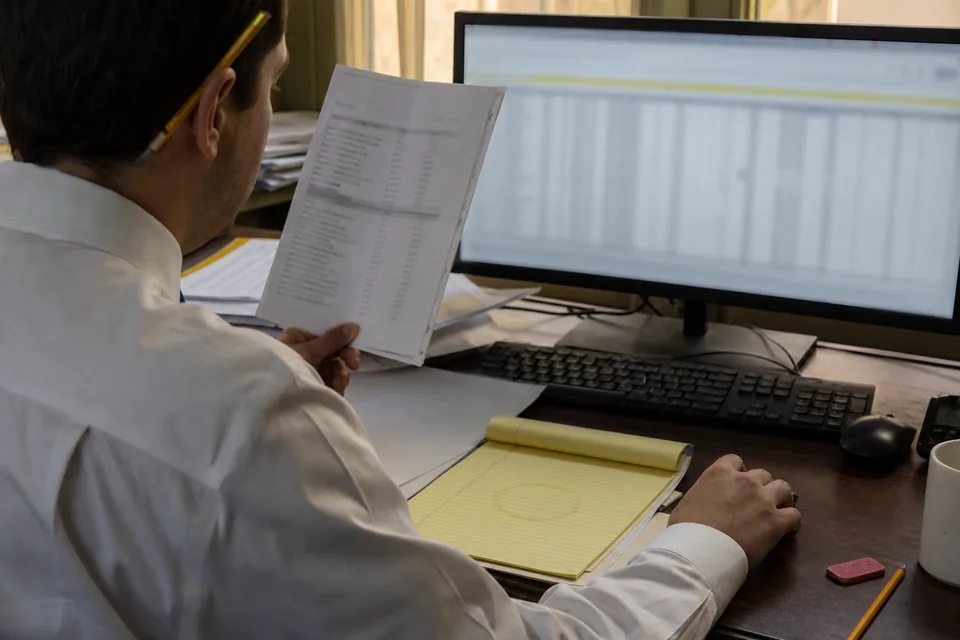
Self-employed clients, landlords and small S corporations rarely arrive with clean books. A sole proprietor hands over twelve monthly PDFs from a business checking account and a personal card. A rental owner forwards screenshots. A small shop drops off a folder of scans in March.
Before you can build a Schedule C, a Schedule E or a 1120-S workpaper, every transaction needs a date, a description and an amount in a sheet you can sort and total. Retyping a 40 transaction statement takes 15 to 30 minutes, and a single transposed digit shows up weeks later as a tie-out problem you have to hunt for in the middle of filing season.
StatementsConverter takes that step out of the day. The balance check tells you immediately whether the extracted rows add up to the printed statement, so you review exceptions instead of rereading every line.
A client intake routine in four steps
- Create a workspace for the client and drop in all twelve statements at once, including credit cards and scans.
- AI reads each page and extracts date, description, amount and running balance for every transaction.
- The balance check confirms opening balance plus credits minus debits equals the closing balance, and points to the page and rows that do not tie out.
- Export one Excel or CSV file per client, or per account, and build the return from a sheet you can filter by vendor, month or amount.
Categorize once, reuse across the year
Categorization rules learn from your corrections. Mark a recurring payment as rent or software once and every later row with that description arrives coded. Rules stay inside the client workspace, so one client's vendors never leak into another client's return.
Intake time for a book of 1040 and small business clients
This is a computed example with stated assumptions, not a customer result.
Assumptions: 60 clients who bring bank or card statements, 12 statements of about 4 pages each per client, 15 minutes to retype and total one statement, and a preparer hour valued at 45 USD.
That is 720 statements and about 180 hours of retyping, or 8,100 USD of staff time. The same work uses roughly 2,880 pages, which fits inside the 5,000 pages of the Business plan at 249 USD a month billed yearly, or about 2,988 USD for the year.
| Item | Assumption |
|---|---|
| Clients | 60 |
| Statements per client | 12 |
| Statements in total | 720 |
| Retyping time at 15 minutes each | 180 hours |
| Staff cost at 45 USD an hour | 8,100 USD |
| Pages used at about 4 per statement | about 2,880 |
Most of that work lands in a few weeks, so many firms pick a plan for the busy season. Smaller practices can fit inside a lower tier, as the next section shows.
Matching a plan to your client load
Starter, 24 USD a month billed yearly (288 USD a year) or 49 USD month to month, gives 400 pages a month, 1 seat, XLSX and CSV exports and batches of 20 files. It suits a solo preparer with a few dozen statements a month.
Professional, 74 USD a month billed yearly (888 USD a year) or 149 USD month to month, adds 1,500 pages, 3 seats, categorization rules, QBO, QIF, OFX and Xero exports, batches of 100 files and 25 client workspaces. It fits a small practice with a full client list.
Business, 249 USD a month billed yearly (2,988 USD a year) or 499 USD month to month, covers a busy firm: 5,000 pages, 15 seats, unlimited client workspaces, roles, an audit log and API access.
Business Plus, 499 USD a month billed yearly (5,988 USD a year) or 999 USD month to month, raises the allowance to 12,000 pages.
Yearly billing saves 50 percent against monthly. Full details sit on the bank statement converter pricing page. Preparers who also keep clients' books can read how bookkeepers run a monthly close, and CPA firms can see the accountants workflow or the CPA firms setup.
Files that fit a tax workpaper
- XLSX for workpapers, with one row per transaction you can sort, filter and total. See PDF bank statement to Excel.
- CSV for tax software imports and for pivot tables, covered on bank statement to CSV.
- QBO, QIF and OFX from Professional when a client also keeps QuickBooks or Quicken.
- Scans and photos convert on every plan, see scanned bank statement to Excel.
Questions tax preparers ask
Can I convert a year of client statements in one batch
Yes. Drop all twelve statements into the client workspace together. Starter handles batches of 20 files and Professional batches of 100, and each statement gets its own balance check.
Does it read scanned and photographed statements
Yes. Scanned PDFs and JPG or PNG photos convert on every plan. Keep the page straight and in focus, and the balance check tells you whether every row was read.
Will it work for credit card statements
Yes. Credit card statements convert the same way, with charges and payments in separate columns. See credit card statement to Excel for the layout.
How long are client files kept
Files are deleted after 24 hours by default and are never used to train models, which matters when you hold client tax data. The security page describes the details.
Can several preparers share one account
Yes. Professional includes 3 seats and Business includes 15, with roles and an audit log on Business so you can see who exported what.
Start the return from a sheet, not a pile of PDFs
Convert one client statement, check the balance result and see how much of intake time disappears.